
Meeting notes written on your Mac
A transcript is a record; notes are what you act on. Tiro writes both, and every note points back to what was actually said.
Summary, decisions, action items
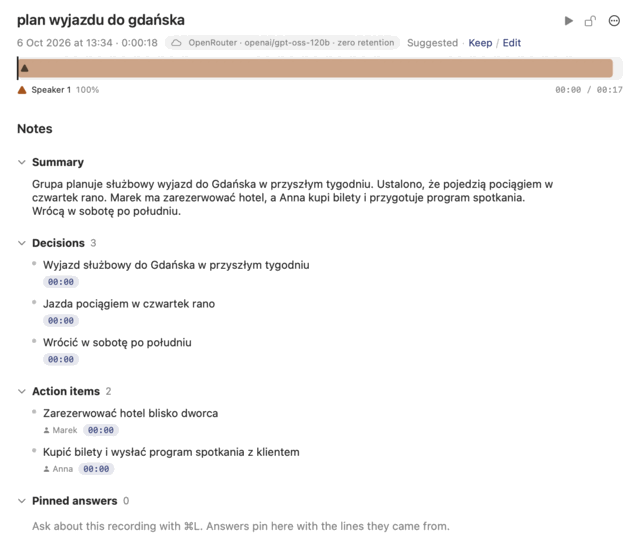
When you want notes, Tiro writes a summary, the decisions, and the action items with their owners. Each item links to the moment it was said, so checking it takes one click.
Which model writes them
By default, a language model on your Mac, of about 3.5 to 4.5 GB, downloaded once. If you prefer, a cloud model through your own OpenRouter key: then transcript text, never audio, goes only to providers that keep no data, and never for recordings you mark private. Either way, the label says which wrote the notes.
Ask instead of re-listening
Ask one recording, everything with one person, or all your conversations. Every answer points to the moments it came from.
Fix what it misheard
Edit a line, remove what shouldn’t be there, or move a line to the right speaker. Edits are marked, everything can be undone, and regenerated notes never overwrite yours.
Hand them to your AI agents
Turn on Agents, and tools like Claude Code, Codex or Claude Desktop can read your notes and action items through Tiro’s local MCP server. It answers only on this Mac, so nothing goes over the internet between your agent and Tiro; what the agent does next is up to it.
Free. One download for Mac and iPhone. No account.